This page explains how the visual style of a quiz is chosen, what the teacher sees when selecting a template, and how administrators manage the templates that are available in the platform.
What a template changes
A quiz template controls how the participant sees the quiz: the start page, the question page, the answer choices, and the result page. The content remains the same, but the presentation can be simple, image-based, or designed for a special event.
For the teacher, the important point is simple: when creating or editing a quiz, the field "Question style" decides which display template the examinees will experience.
Basic template
A clear layout for ordinary text-based questions.
Image template
A layout that can show an image next to the question.
Custom template
A special visual experience prepared and assigned by an administrator.
What the teacher chooses
In the quiz creation and editing form, the teacher chooses the template from the available list. If a template supports images, the question image that was uploaded in the question editor can appear in the participant view.
The teacher does not need to manage the template files. They only choose the style that matches the lesson: simple and focused for a regular assessment, image-based for visual material, or event-style when the activity needs a stronger visual identity.
Only templates that are common or assigned to the teacher are available in the quiz form.
Administrator template list
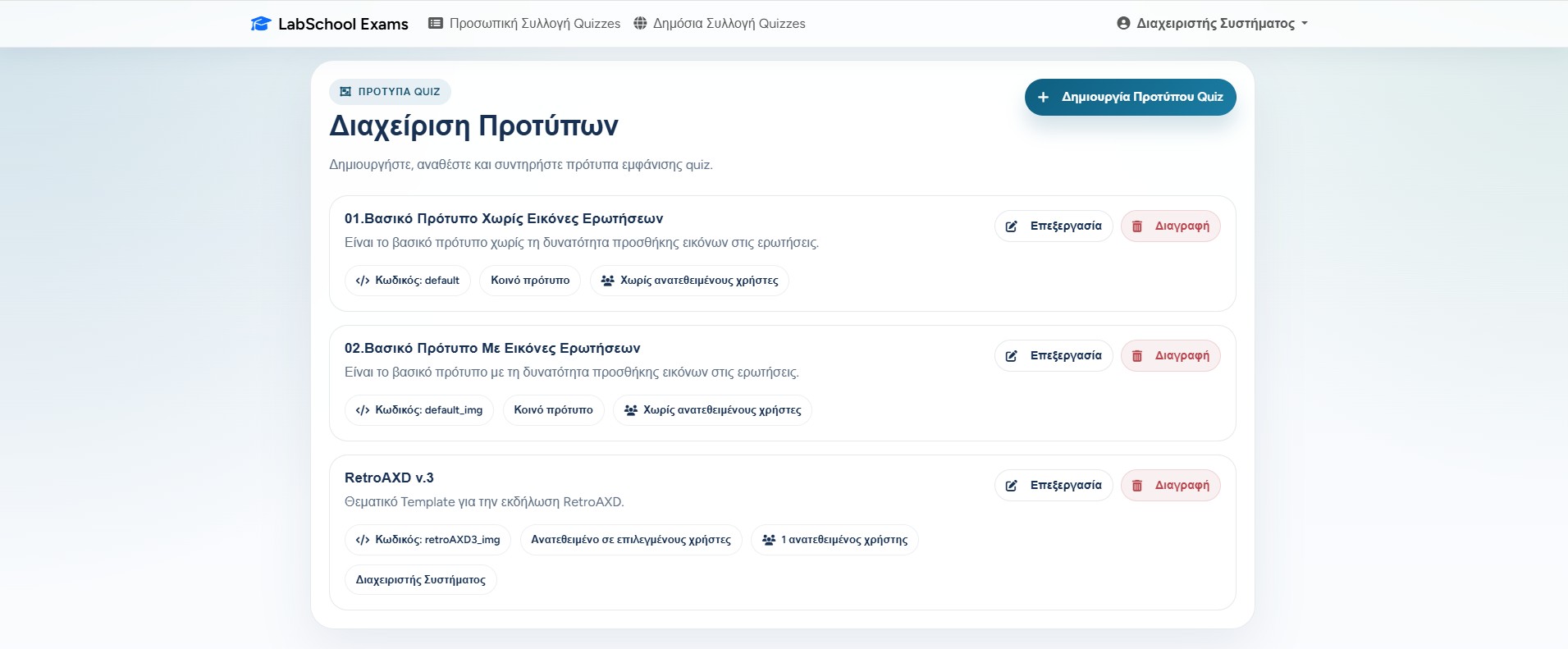
Administrators have a separate template management page. There they can see every template with its name, description, internal code, availability, and assigned users.
A common template is visible to all teachers. A non-common template is available only to the selected users. This lets the platform keep standard templates for everyone, while also supporting special templates for a specific school activity or event.
The template list shows the code, whether the template is common or assigned, and the users who can use it.
Creating or editing a template record
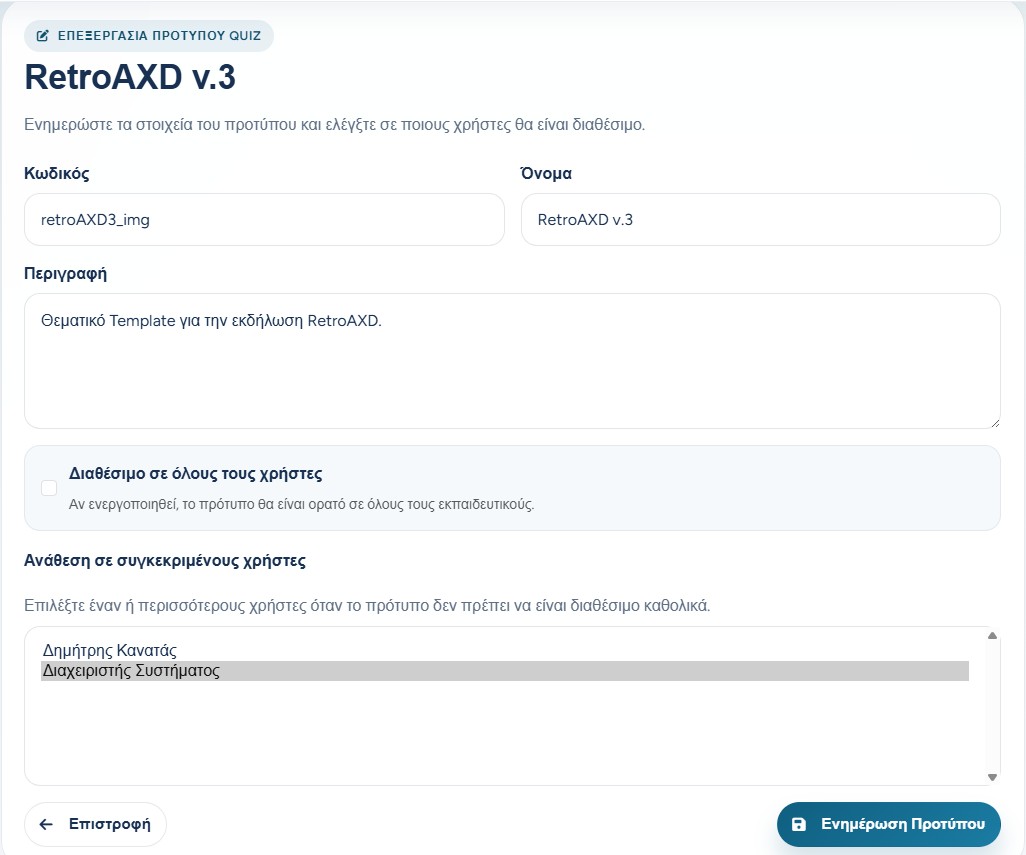
When an administrator creates or edits a template, they define the template code, name, and description. The code is important because it connects the database record with the matching view files of the template.
The administrator then decides whether the template is available to all users. If it is not common, specific teachers can be selected from the user list.
Code
The technical identifier used by the application to find the template.
Name and description
The human-friendly information shown to administrators.
Availability
Either common for everyone or assigned to selected teachers.
The edit form controls the template details and who can use it.
The files behind a template
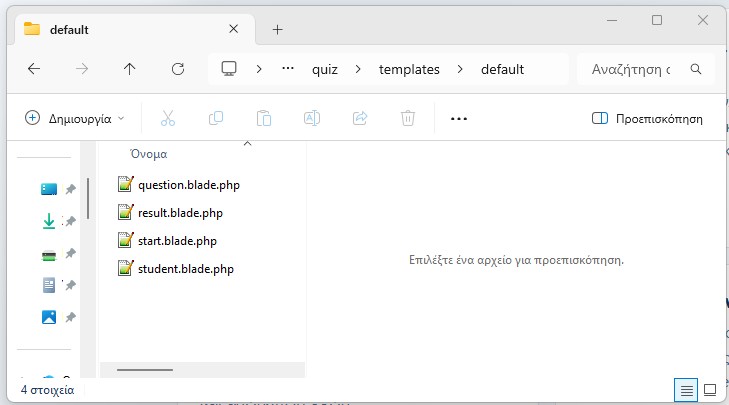
A display template is not only a name in the database. It also has view files that describe the participant screens. The usual files cover the start screen, the question screen, the student view, and the result screen.
This is why template work should be done carefully: the administrator can register and assign a template, but the visual behavior depends on the matching files existing in the application.
A template folder usually contains separate files for the start, question, student, and result screens.
How templates affect the participant view
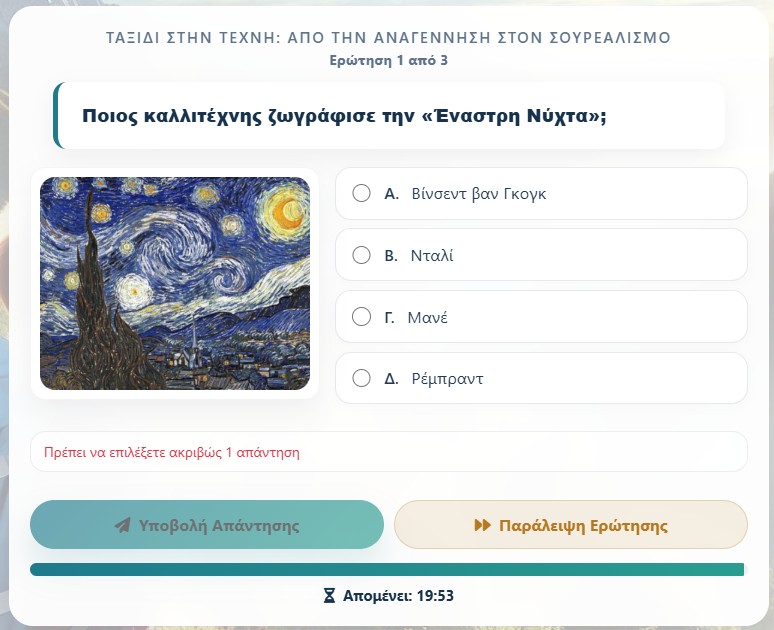
The same quiz can feel very different depending on the selected template. A calm image-based template is useful for a lesson where the student needs to observe a painting, map, diagram, or photograph.
An image-based template can place the question image beside the possible answers.
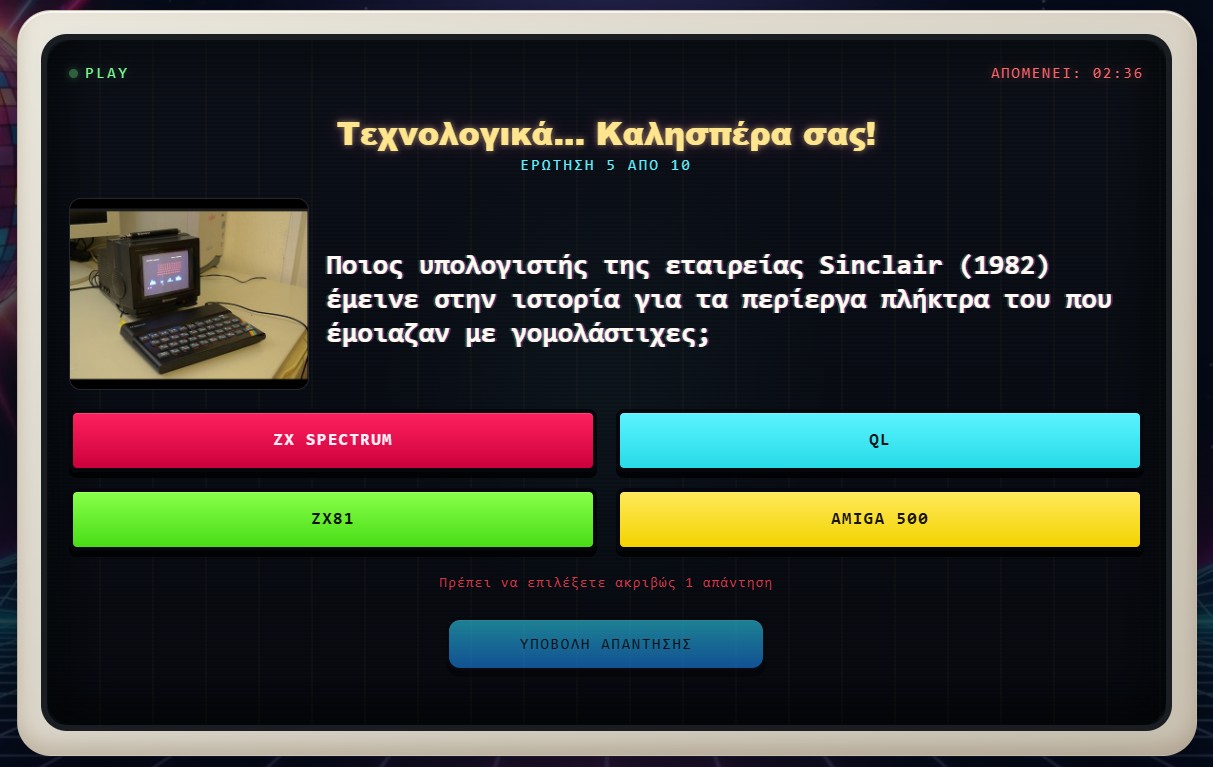
A custom event template can use a stronger visual style, different colors, larger typography, and a more playful layout. This is useful for public events, competitions, workshops, or themed activities.
A custom template can give the quiz a completely different atmosphere while keeping the same quiz logic.
A practical way to choose
For everyday tests, choose the simplest template that keeps attention on the questions. If the question needs visual observation, choose a template that supports images. If the quiz is part of a presentation or event, a custom template can make the activity feel more complete.
The safest habit is to preview or test the quiz after changing the template, especially when questions include images or when the quiz will be shown to many people at once.